Our online MIDI editor lets you open, edit, and enhance any MIDI file (.mid, .midi) in just a few seconds, right from your browser.
You can fine-tune your music data: move notes, change their duration, adjust velocity, correct the rhythm, or rework your instrumental tracks with ease.


Edit each note individually: position, duration, pitch, and velocity. Fine-tune your compositions with precision right in the editor.


Easily rearrange your sequences: move notes, duplicate patterns, or delete elements with just a few clicks.


Refine the musical performance by adjusting the dynamics of the notes and expression settings for a more natural and musical result.


Work on multi-instrument projects: add, delete, or edit tracks independently to structure your arrangement.


Speed up, slow down, or correct the tempo of your MIDI file. Optimize the rhythmic placement of your notes for a clean and consistent sound.


More than 60 soundfonts are available in the editor. Edit the soundfonts for each track and customize the instruments heard in your MIDI.


Export your files after editing in MIDI, MP3, or WAV format so you can use them right away in your projects.


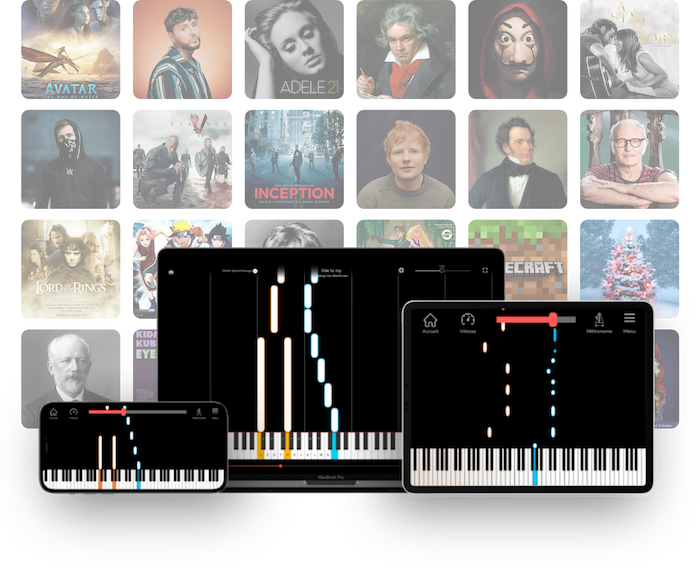
Use the editor on a computer, tablet, or mobile device for a seamless experience tailored to each screen.


Select the notes you want to edit, then adjust them directly in the interface: position, pitch, duration, velocity, rhythmic placement, duplication, or deletion. You can also work track by track, isolate an instrument, add a new track, modify expression parameters, or edit a specific section in a loop.


Move, stretch, or delete notes on a precise horizontal timeline. Control velocity, tempo, and quantization with the flexibility of a digital audio workstation (DAW)—right in your browser.


Not sure if a chord is playable? Switch to vertical view to preview how it would look on a real keyboard. It’s the perfect tool for ensuring that your MIDI edits are ergonomic for a real musician.


Musicians who want to edit a MIDI file, adjust notes, rework a passage, or adapt a piece to their instrument.


Creators who want to tweak a musical idea, rearrange tracks, duplicate patterns, or refine an existing composition without opening complex software.


Teachers who want to create exercises, simplify a lesson plan, grade a student’s assignment, or isolate specific sections of a piece.


Learners who want to understand the structure of a piece, change notes, slow down a difficult passage, or practice a specific section on repeat.


People who obtain a MIDI file from an MP3, WAV, or YouTube link and then want to correct it, improve it, and export it in a cleaner version.

A MIDI (Musical Instrument Digital Interface) file contains musical instructions, not recorded sound. It specifies which notes to play, when to play them, which instrument to use, and at what volume. This is what makes it easy to edit in a MIDI editor.
Yes. Our online MIDI editor is free and works directly in your browser. You can import a file, edit it, and export it without installing any software or creating an account.
Import your MIDI file into the editor, then select the notes or tracks you want to edit. You can adjust their position, duration, pitch, velocity, or rhythmic placement directly in the interface.
You can correct notes, adjust their duration, change their pitch, adjust their volume, move sections, duplicate patterns, and work track by track. The tool also allows you to fine-tune certain expression parameters to achieve a more natural sound.
Yes. Everything works online, right in your browser. You don’t need to install a DAW, sequencer, or complex MIDI software to start editing your file.
Yes. The interface is compatible with smartphones and tablets. You can open, edit, and export a MIDI file using a touchscreen, although editing is still more convenient on a computer.
Yes. After making your edits, you can export your modified MIDI file. You can also generate an audio version in MP3 or WAV format to listen to or share the result more easily.
No. This tool is designed to edit existing MIDI files. To convert an MP3, audio file, or YouTube link to MIDI, use our transcription apps available on our website’s homepage, then open the resulting file in the editor.
A MIDI player is primarily used to listen to and view a file. A MIDI editor allows you to go a step further by editing notes, tracks, timing, velocity, and other musical parameters.
Yes. You can use the online version in your browser, or download the desktop version for Windows and macOS. The installed version lets you access the same tool in a dedicated app.
Edit your MIDI files in seconds with a simple, precise online editor that anyone can use. Adjust your notes, correct your tracks, and export your music without installing any software.
Share the tool on
La Touche Musicale offers powerful AI apps to help you learn, play, and transcribe music effortlessly. Discover them below.
Ideal for: solo piano


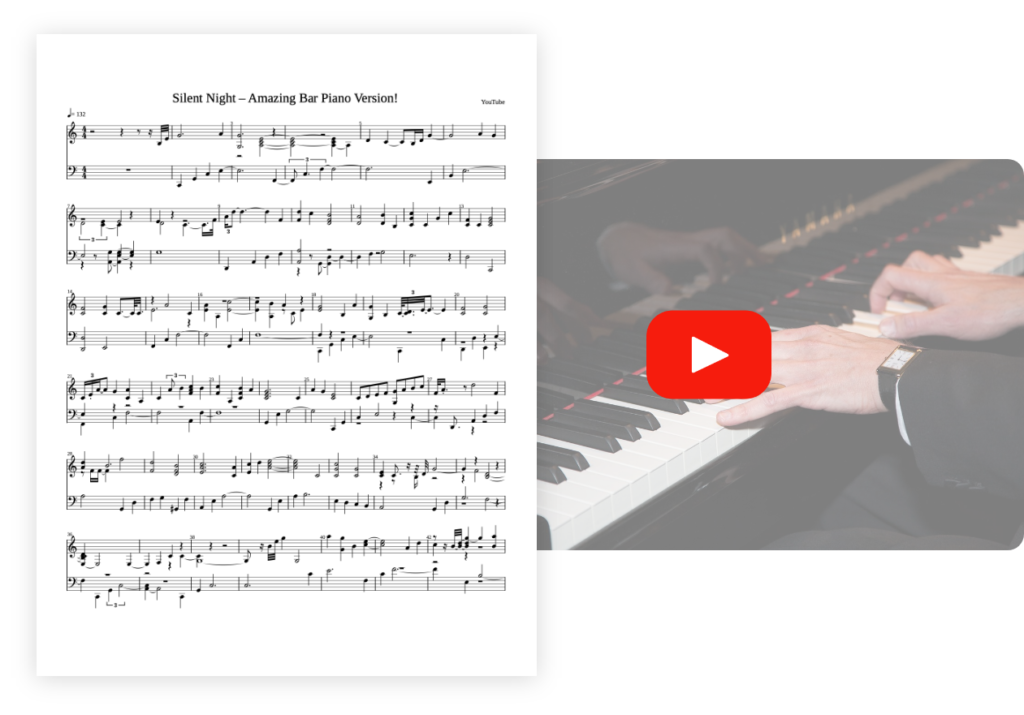
Transcribe your piano pieces to sheet music with unrivalled precision.

Ideal for: solo guitar


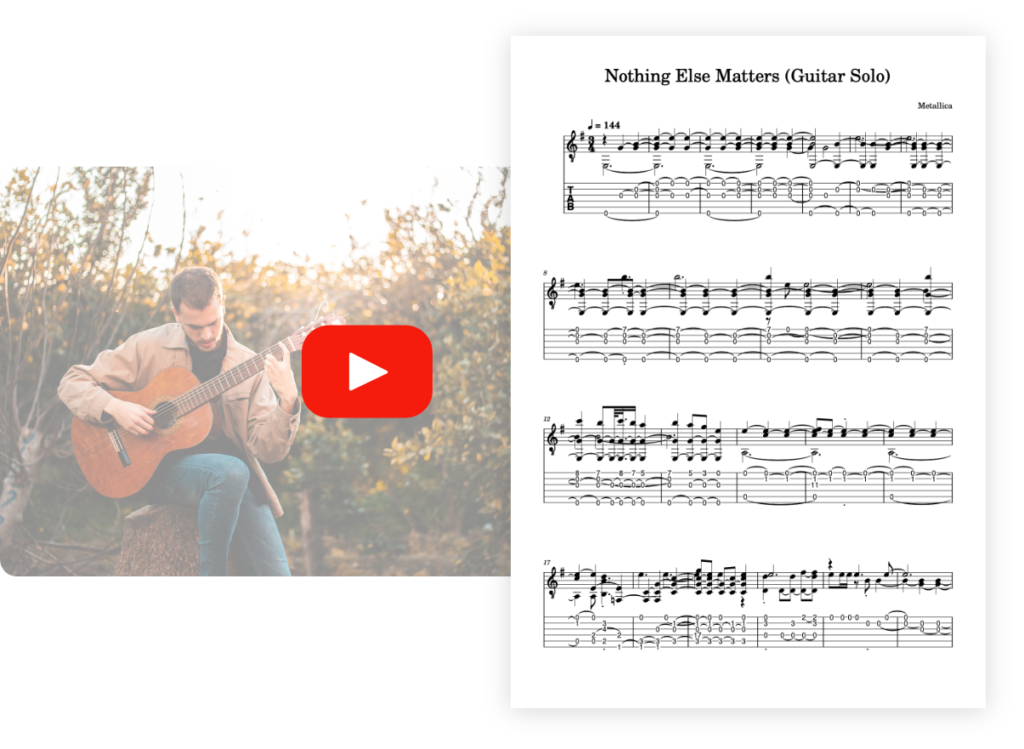
Transcribe your guitar tunes into tablature with unrivalled precision.

Ideal for: solo vocals


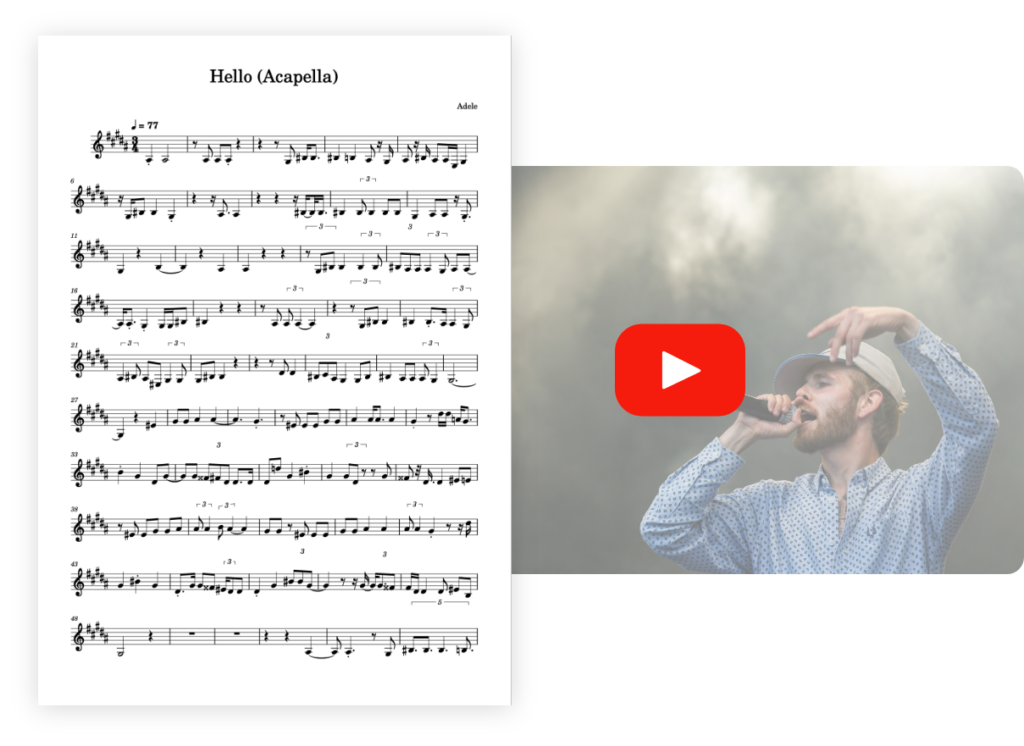
Transcribe your vocal recordings into sheet music with unrivalled precision.


Ideal for: multi-instruments


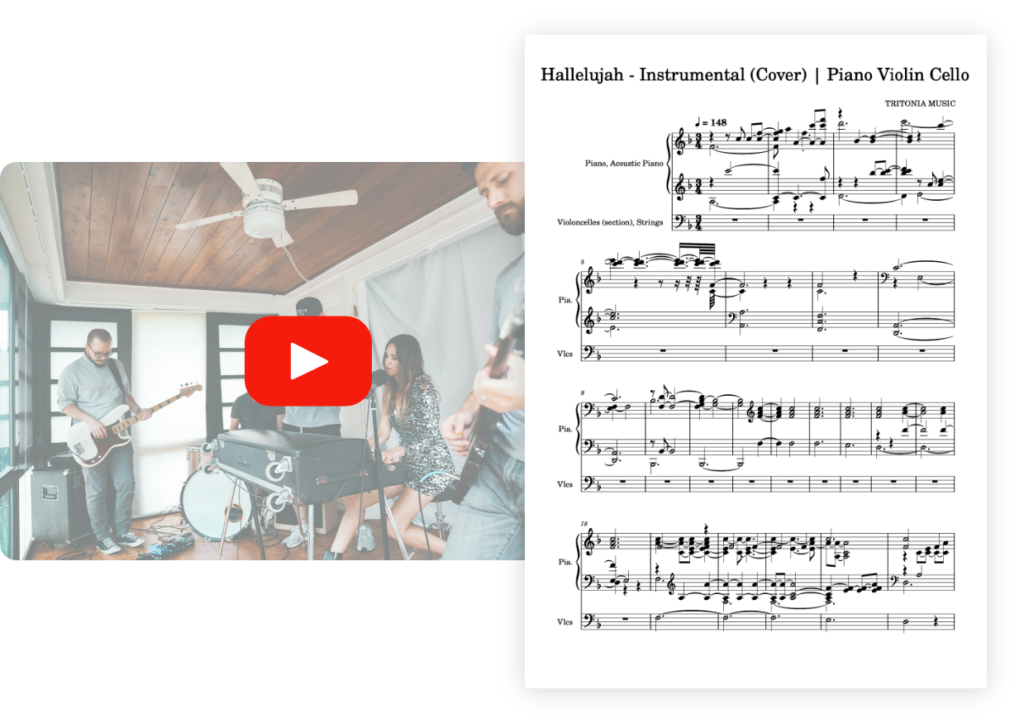
Transcribe your multi-instrument tracks into sheet music with unrivalled precision.


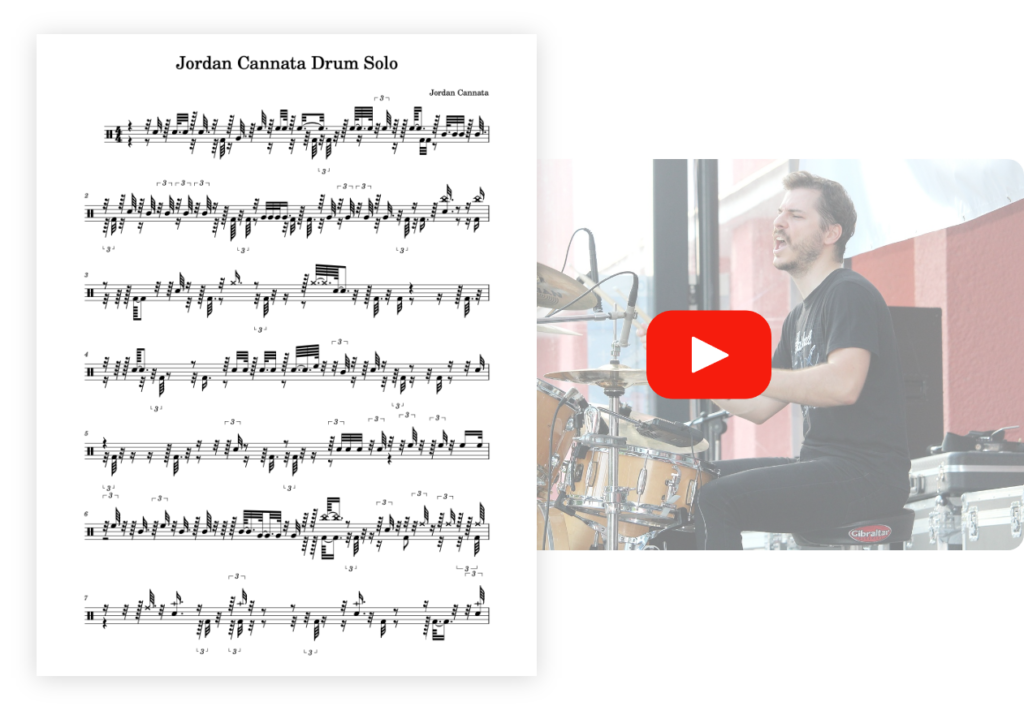
Ideal for: solo drums


Transcribe your drum tracks into sheet music with unrivalled precision.


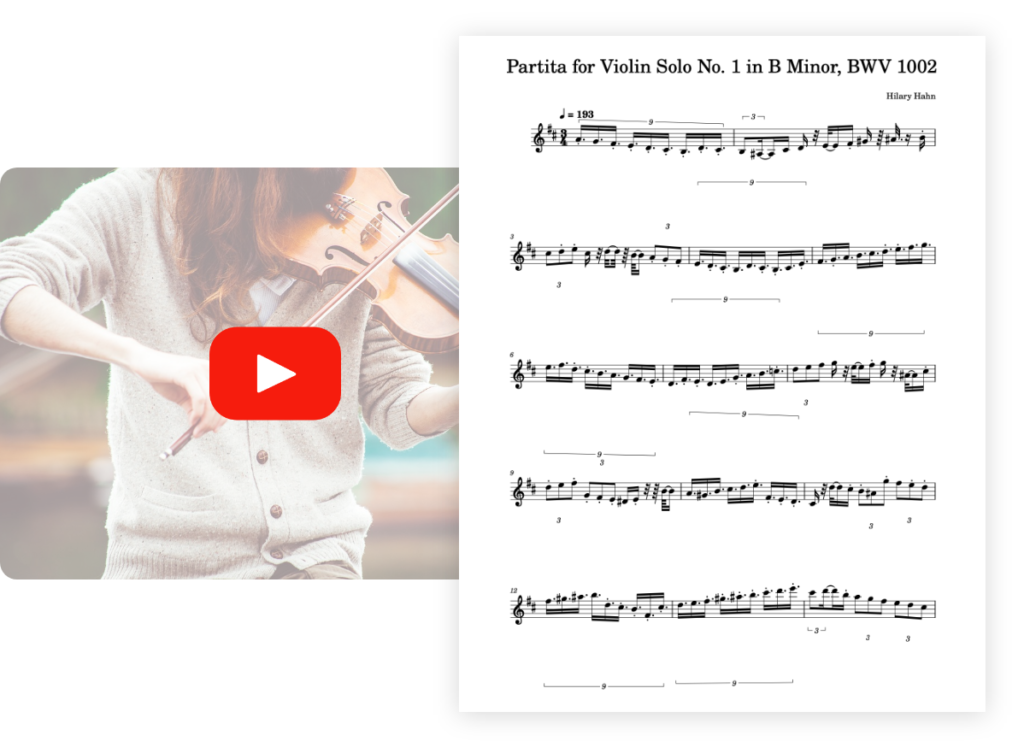
Ideal for: solo violin


Transcribe your violin pieces into sheet music with unrivalled precision.


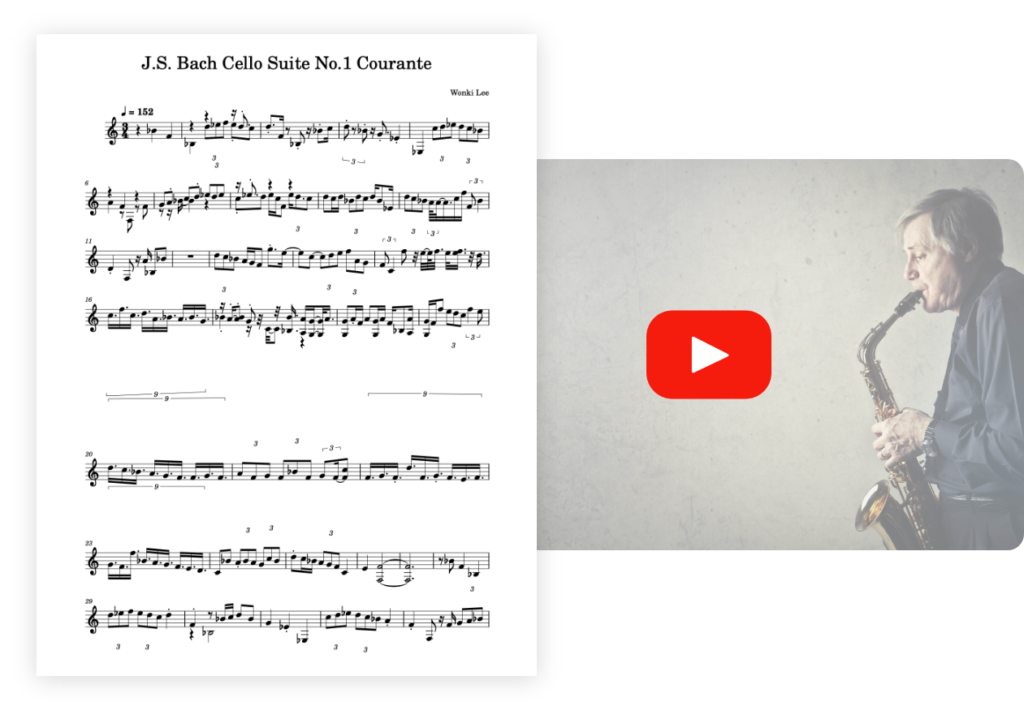
Optimized for: solo saxophone 🎷


Transcribe your saxophone pieces into sheet music with unrivaled precision.


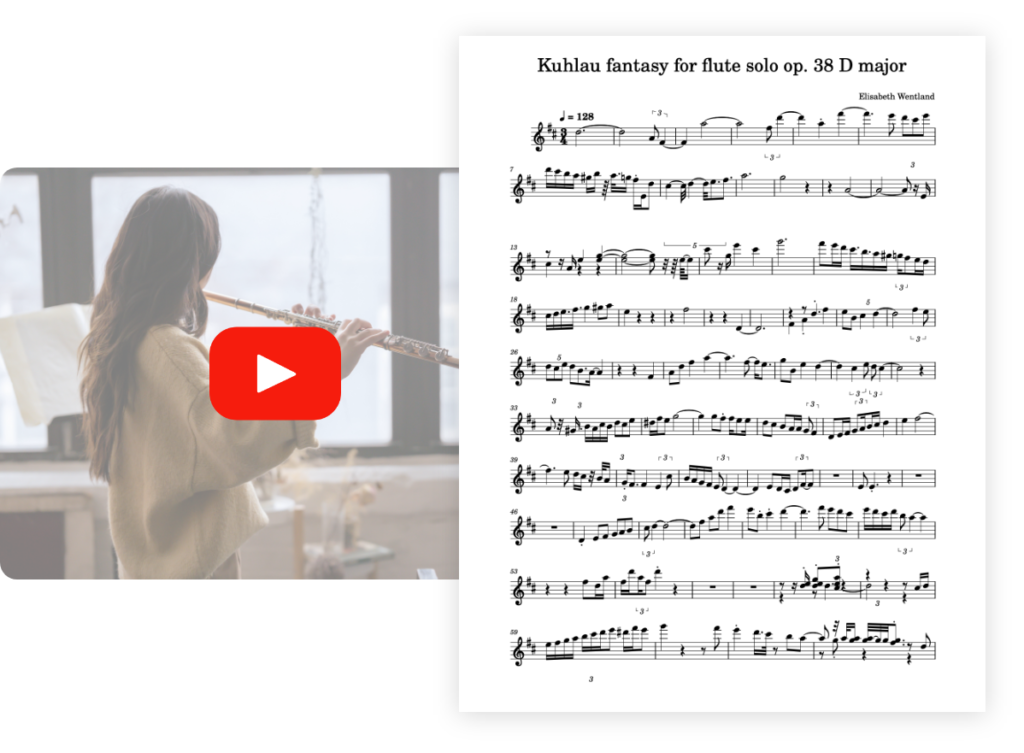
Optimized for : solo flute 🪈


Transcribe your flute pieces into sheet music with unrivaled precision.


Optimized for : solo bass 🪕


Transcribe your bass pieces into sheet music with unrivaled precision.


PianoGo lets you learn to play over 3,000 songs easily on the piano.


Discover more useful tools