MIDI Player Online

Open, listen to, and play your MIDI files instantly, right in your browser. No downloads, no sign-up required.

The easiest way to play a MIDI file online

Our online MIDI player lets you upload and play any MIDI file (.mid, .midi) in just a few seconds.

Unlike traditional software, everything runs directly in your browser. You don’t need to install anything, and no setup is required.

Simply import your file to start playing back immediately with a real-time piano roll view.

midi player online demo interface

Features of the free MIDI player

midi files player

Instant playback of MIDI files

Import your MIDI file and play it directly in your browser, without installing any software or setting up any external tools.

piano roll visualization

Dual display

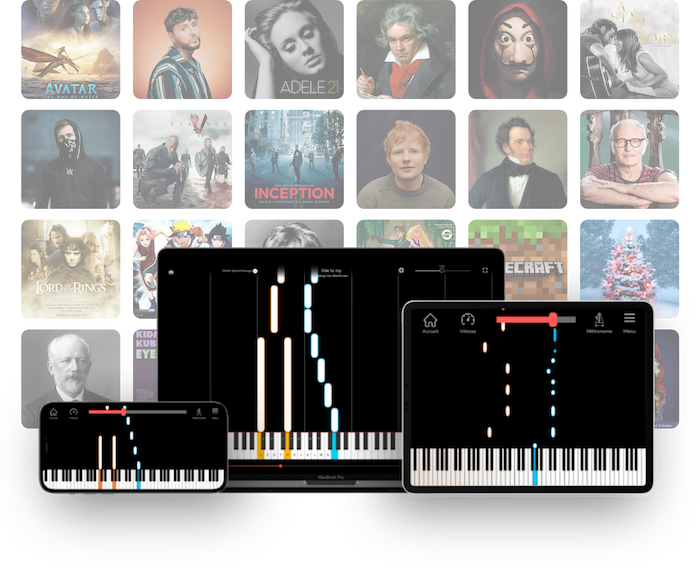
View the notes as visual blocks (piano roll) to better understand the song's structure, or in a vertical layout to make learning easier.

real timing player midi

Real-time playback with note synchronization

The audio playback stays in sync with the sheet music display, making it easy to see where you are in the piece.

midi file tempo

Controlling the tempo (speeding up or slowing down)

Adjust the MIDI playback speed to suit your needs: slow down a complex passage or speed up to quickly go through the file.

multi tracks instruments midi

MIDI Track Management (Multi-Instruments)

View the different tracks in the file, isolate an instrument, or adjust the playback to better analyze each part of the song.

soundfonts midi player

Advanced Soundfont Management

Over 60 soundfonts are available natively. Change the soundfonts for all your MIDI tracks to customize your results.

exports midi mp3 wav

Export to MIDI, MP3, and WAV

Upload your MIDI file or generate an MP3 or WAV audio version to listen to it, share it, or reuse it easily.

responsive midi player online

Compatible with computers, tablets, and mobile devices

Use the online MIDI player on all your devices, with an interface optimized for desktop, tablet, and smartphone screens.

How do I play a MIDI file online?

1. Import your MIDI file

Drag and drop your file or open it from your device, and let the online reader work its magic.

import midi in the player online
start midi play

2. Start playback

Choose your view (piano roll or vertical), then press play to listen to your file and view the notes in the piano roll.

3. Adjust or export

Edit the playback, tempo, and notes (duration, position, velocity, etc.), then export your edited file in MIDI, MP3, or WAV format.

modify midi and export online

An immersive MIDI player for exploring and learning music

Don’t just listen to your files anymore—turn every song into a captivating visual experience. Our online MIDI player was designed for those who want to understand music as much as they want to hear it.
midi player roll view online

Piano Roll Mode

A smooth horizontal view to track harmonic progression and chord structure. Ideal for musicians who want to analyze a song’s rhythm at a glance.

vertical midi vizualizer online view

Vertical view mode

The perfect alternative to Synthesia. Notes appear directly on the keyboard, allowing you to play without knowing how to read music. Ideal for quickly learning and memorizing MIDI notes.

Who is this free online MIDI player intended for?

musicians

Musicians who want to listen to or analyze a MIDI file

Perfect for quickly checking a melody, understanding an accompaniment, or identifying the different parts of a song.

professors

Music teachers demonstrating pieces

Useful for visually demonstrating notes, explaining a rhythm, or having a student listen to a specific section.

composers

Composers working on arrangements

Useful for listening to an idea, checking the balance between tracks, and analyzing the structure of a MIDI arrangement.

music student

Students learning piano or music theory

Allows you to follow along with the notes as you play, slow down a difficult passage, and better understand the relationship between rhythm, pitch, and duration.

online music creators

Content creators who use MIDI files

Helps you quickly preview, check, and export MIDI files before incorporating them into a video, audio project, or educational material.

Frequently Asked Questions

A MIDI (Musical Instrument Digital Interface) file is a file format that contains musical information rather than recorded sound. Unlike an audio file such as an MP3 or WAV, a MIDI file specifies which notes to play, when to play them, which instrument to use, and at what volume.

Yes, our MIDI player is completely free and works right in your browser, with no installation or prior knowledge required.

You can use our online MIDI player without installing any software; it’s built right into your browser.

Yes, you can view and edit your file using the built-in piano roll (note durations, positions, velocity, group actions, CC lanes, etc.).

Yes, it is fully compatible with smartphones and tablets if you use the browser-based online version.

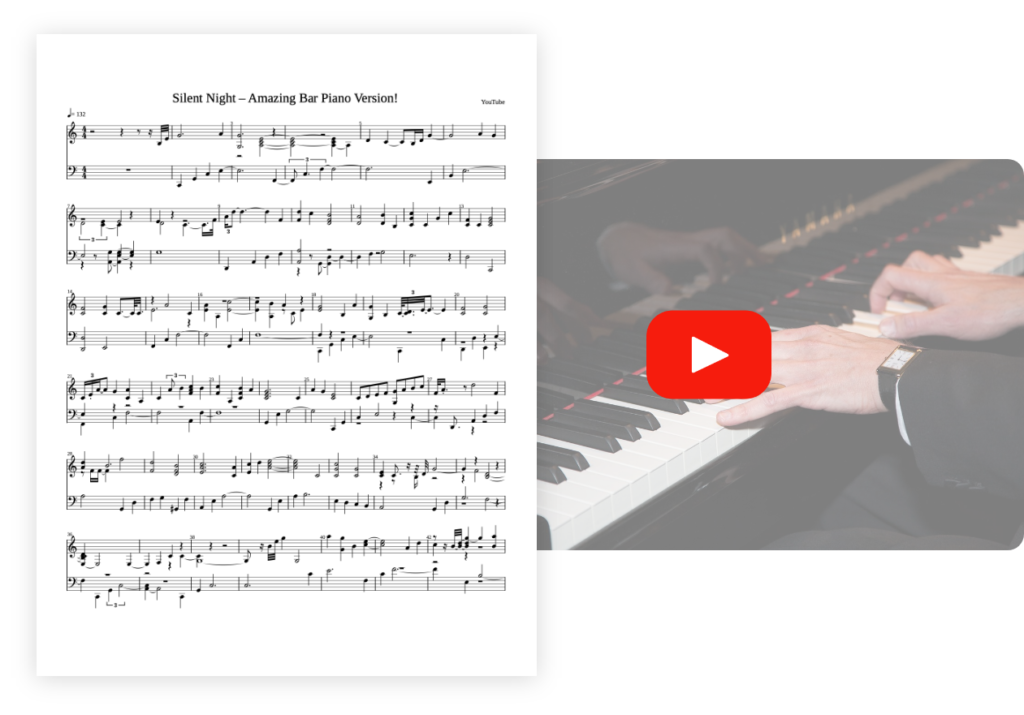
Yes, but you’ll need an audio-to-MIDI conversion tool. You can visit our homepage and check out our apps to get MIDI files from YouTube links or audio files of your favorite songs.

MIDI contains musical instructions, while MP3 contains recorded sound.

Yes, you have the option to use several versions of the MIDI player: the online version available in your browser (at the top of this page), the downloadable software version for Windows, and the downloadable software version for macOS.

A versatile, simple, and unique MIDI player

Try our online MIDI player now and explore your music files in just a few seconds.

Share the tool on

Facebook
Twitter
Email
Tumblr
Reddit
WhatsApp
LinkedIn

Explore our music apps

La Touche Musicale offers powerful AI apps to help you learn, play, and transcribe music effortlessly. Discover them below.

Ideal for: solo piano

pianoconvert logo rvb white

Transcribe your piano pieces to sheet music with unrivalled precision.

pianoconvert design

Ideal for: solo guitar

guitarconvert logo white

Transcribe your guitar tunes into tablature with unrivalled precision.

guitarconvert design

Ideal for: solo vocals

singconvert logo white

Transcribe your vocal recordings into sheet music with unrivalled precision.

singconvert design

Ideal for: multi-instruments

bandconvert logo white

Transcribe your multi-instrument tracks into sheet music with unrivalled precision.

bandconvert design

Ideal for: solo drums

drumconvert logo white

Transcribe your drum tracks into sheet music with unrivalled precision.

drumconvert design

Ideal for: solo violin

violinconvert logo white

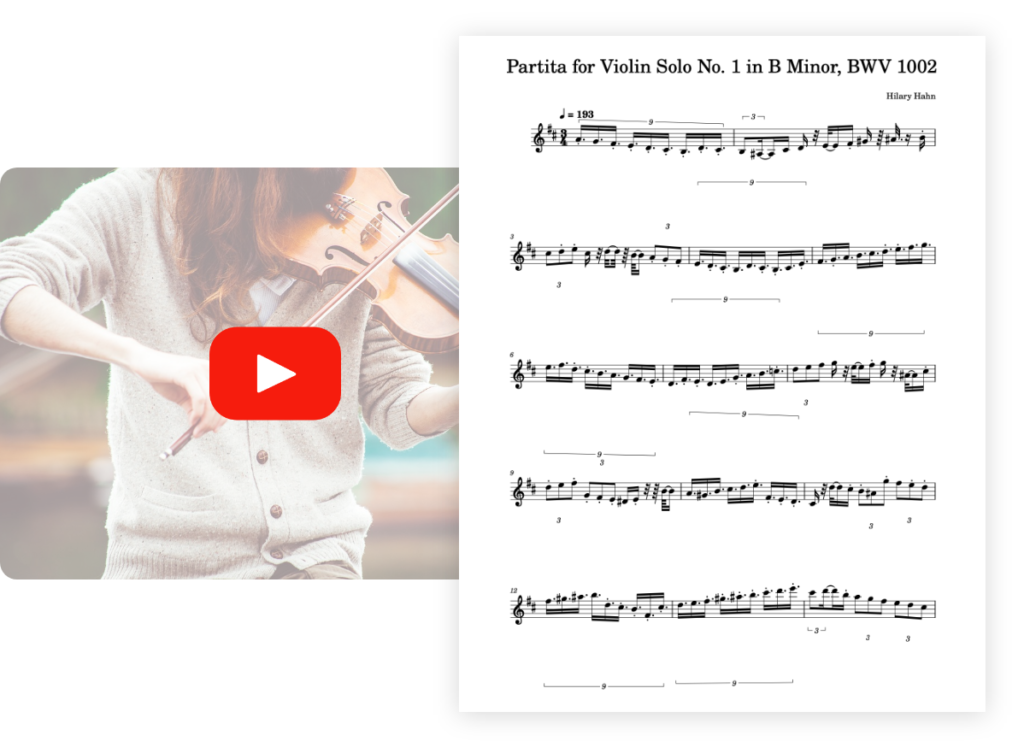
Transcribe your violin pieces into sheet music with unrivalled precision.

violinconvert design

Optimized for: solo saxophone 🎷

saxconvert logo rvb white

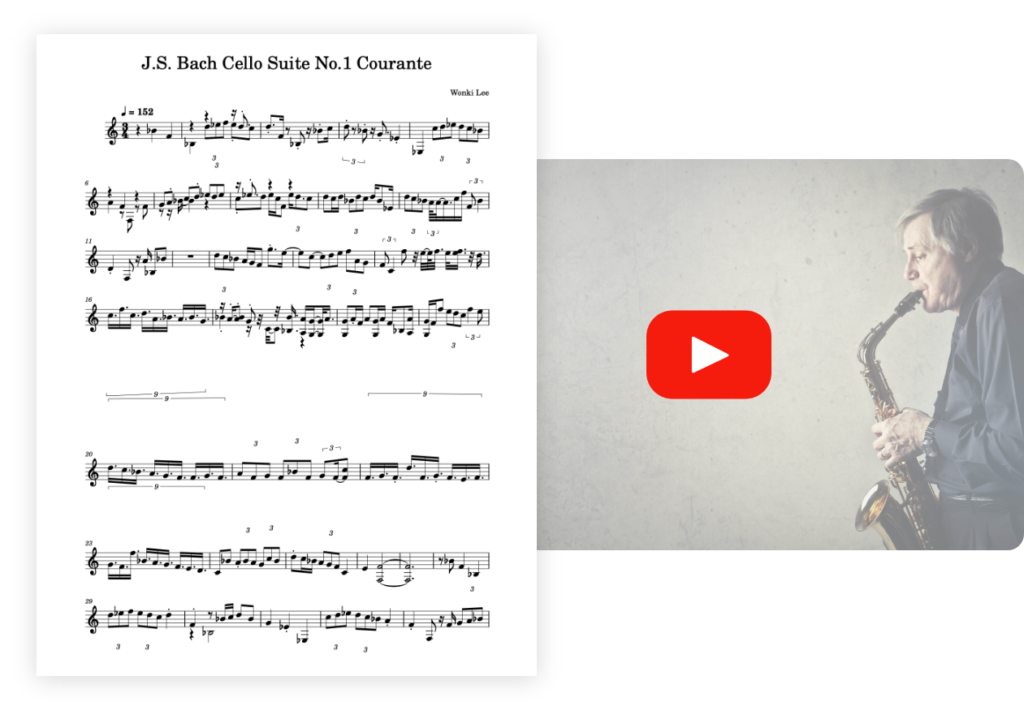
Transcribe your saxophone pieces into sheet music with unrivaled precision.

saxconvert design

Optimized for : solo flute 🪈

fluteconvert logo white

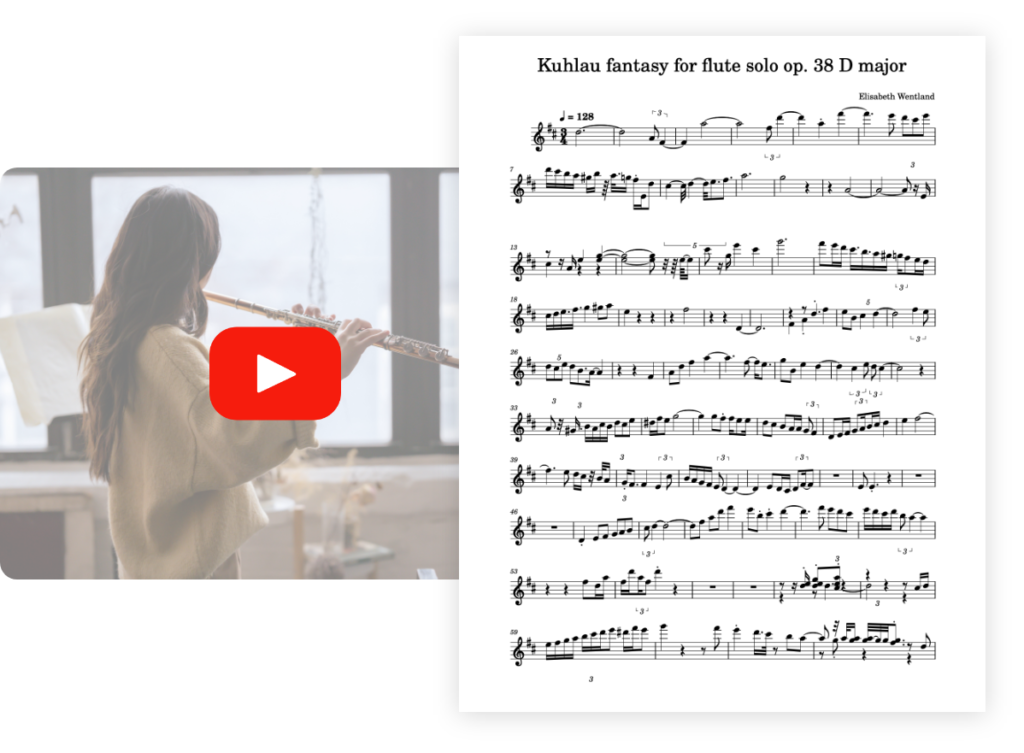
Transcribe your flute pieces into sheet music with unrivaled precision.

fluteconvert design

Optimized for : solo bass 🪕

bassconvert logo white

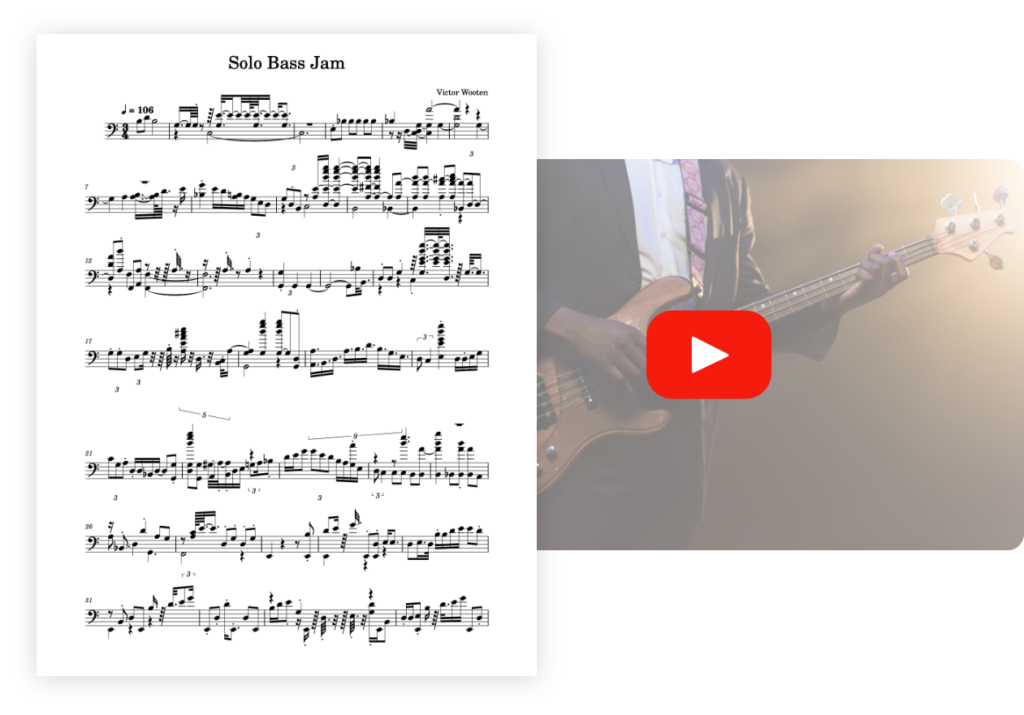
Transcribe your bass pieces into sheet music with unrivaled precision.

bassconvert design

Optimized for: solo trumpet 🎺

trumpetconvert logo white

Transcribe your trumpet pieces into sheet music with unrivaled precision.

trumpetconvert design

Optimized for: solo organ ⛪️

organconvert logo white

Transcribe your organ pieces into sheet music with unrivaled precision.

organconvert design

Would you like to take your musical journey further?

PianoGo lets you learn to play over 3,000 songs easily on the piano.

Ideal for: amateur pianists
pianogo logo white

Learn your favorite piano songs with absolute ease.

design la touche musicale piano app