Our online piano roll lets you instantly open and view any MIDI file (.mid, .midi) in a clear, well-organized graphical interface. You can see the notes directly as blocks, along with their timing and pitch on the keyboard.
With this visual display, you can quickly grasp a piece, identify chords, follow a melody, or analyze an arrangement. You can also interact with the notes to adjust them, try out different variations, or refine your performance in a simple and intuitive way.


Display your notes as blocks aligned on a keyboard, making it easy to immediately understand the pitches, chords, and structure of the song.


Follow the song's progression in real time with a cursor that moves over the notes. You can see exactly which notes are being played at any given moment.


Click on the notes to select, move, or visually adjust them. The piano roll lets you quickly test changes without any hassle.


Display multiple instruments at the same time to understand how the different parts fit together in an arrangement.


Adjust the playback speed to analyze a passage, work on a difficult section, or examine the note placement more closely.


Easily navigate your track, zoom in on a specific section, and focus on a particular part of the piano roll.


Upload your MIDI file or generate an audio version in MP3 or WAV format after editing your sequence in the piano roll.


Use the online piano roll on your computer, tablet, or mobile device with a user-friendly interface to view and edit your MIDI files anywhere.
Import your MIDI file from your device and instantly view the notes in the piano roll. Each note appears as a block positioned on a keyboard, allowing you to immediately see the musical structure.


Browse the piano roll to analyze the chords, melodies, and different tracks in your MIDI file. You can click on notes to move them, adjust them, or try out different variations right in the view, while seeing their position in time and their pitch on the keyboard.


Compose your melodies on an intuitive grid, right online. The fluidity of the Piano Roll lets you easily create complex structures, from bass lines to the most intricate harmonies.


Bring your creation to life. By switching to vertical mode, you can transform your MIDI into a dynamic visual performance. It’s the perfect way to get a feel for your track before exporting it.


Musicians who want to visualize a song on a keyboard, understand the chords, follow a melody, and quickly explore a MIDI file in an intuitive way.


Creators who want to analyze a composition, examine the structure of tracks, and experiment with musical ideas directly within a visual interface.


Teachers who want to clearly demonstrate a piece, show the notes on a keyboard, and more easily explain the connection between theory and practice.


Learners who want to better understand a piece by visualizing the notes, following along as they read, and practicing specific passages at their own pace.


People who extract MIDI data from audio or video files and want to view, analyze, and work with it more easily in a piano roll.

An online piano roll is a visual interface that displays the notes in a MIDI file as blocks aligned on a keyboard. It allows you to easily see the pitch, duration, and timing of the notes directly in a web browser.
The MIDI file contains the musical information, while the piano roll is a way of displaying it. The piano roll transforms this data into a visual representation that is easy to read and understand.
Import your MIDI file to display the notes on the keyboard. You can then play back the track, explore the tracks, and interact with the notes directly in the interface.
Yes. You can select notes and adjust their position, duration, or pitch directly in the view. The piano roll lets you quickly test changes visually.
Yes. You can play the file and follow the sheet music in real time. This helps you better understand the structure of the piece and the role of each instrument.
Yes. Everything works online in your browser. You don’t need to install anything to view or edit your MIDI files.
Of course! The interface is optimized for smartphones and tablets. You can view and explore your MIDI files from any device.
Yes. You can upload your MIDI file or export an audio version in MP3 or WAV format after working on your sequence.
No. The piano roll is designed to view and edit existing MIDI files. To convert an audio file to MIDI, you’ll need to use a dedicated transcription tool. To do so, visit our website’s homepage to explore our transcription apps.
Yes. You can use it directly online in your browser, or download a desktop version for Windows and macOS to work in a dedicated application.
Share the tool on
La Touche Musicale offers powerful AI apps to help you learn, play, and transcribe music effortlessly. Discover them below.
Ideal for: solo piano


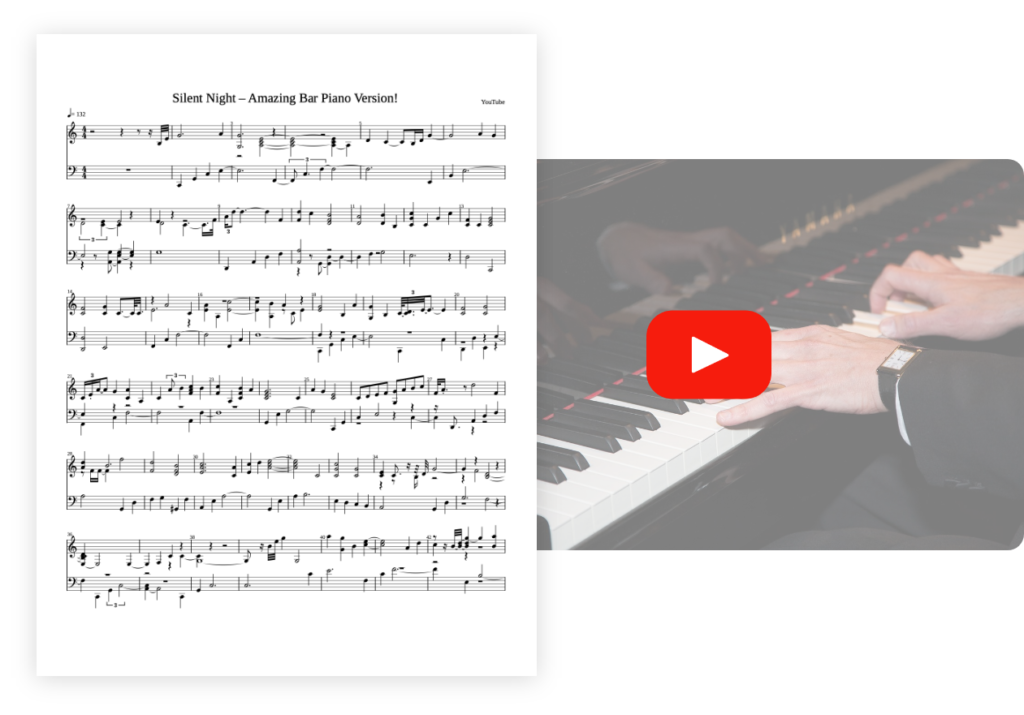
Transcribe your piano pieces to sheet music with unrivalled precision.


Ideal for: solo guitar


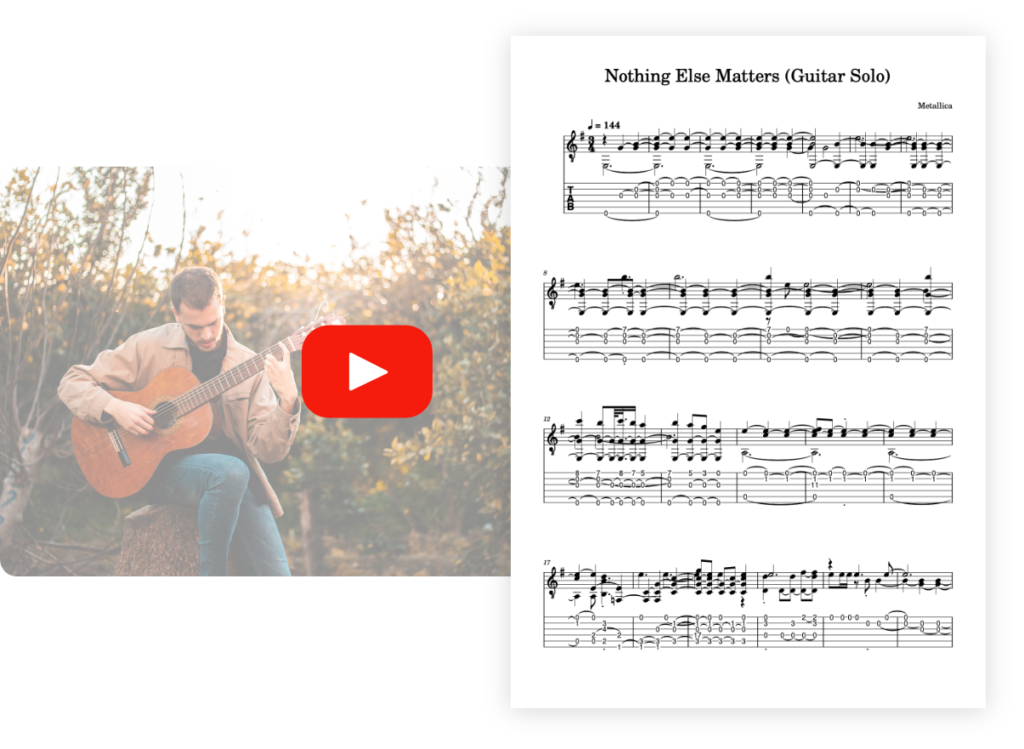
Transcribe your guitar tunes into tablature with unrivalled precision.


Ideal for: solo vocals


Transcribe your vocal recordings into sheet music with unrivalled precision.


Ideal for: multi-instruments


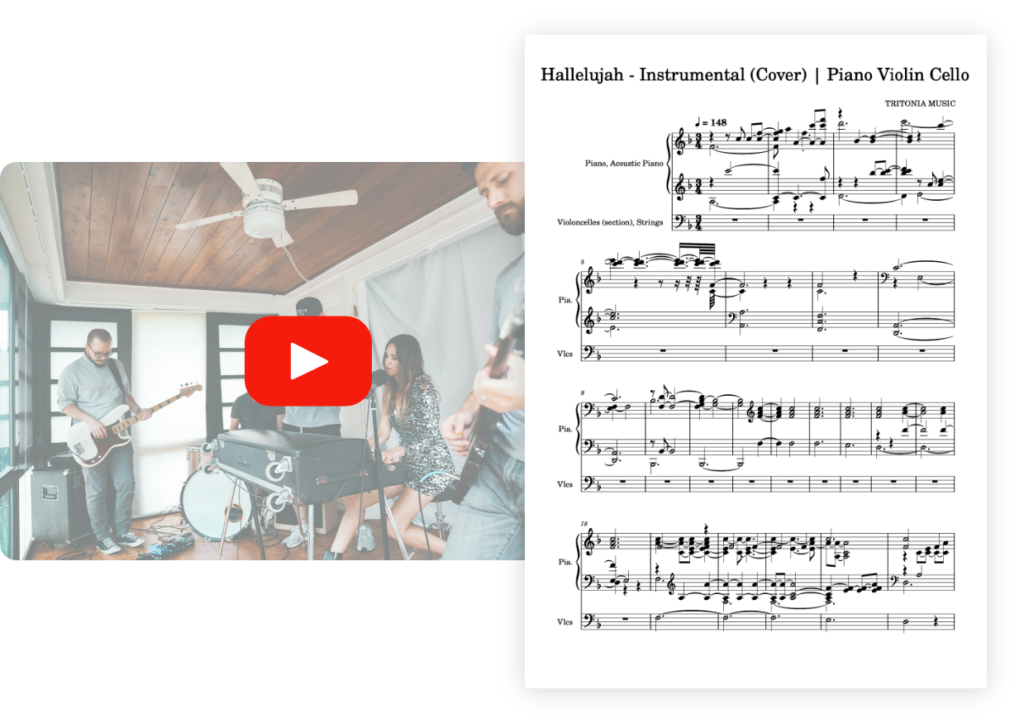
Transcribe your multi-instrument tracks into sheet music with unrivalled precision.


Ideal for: solo drums


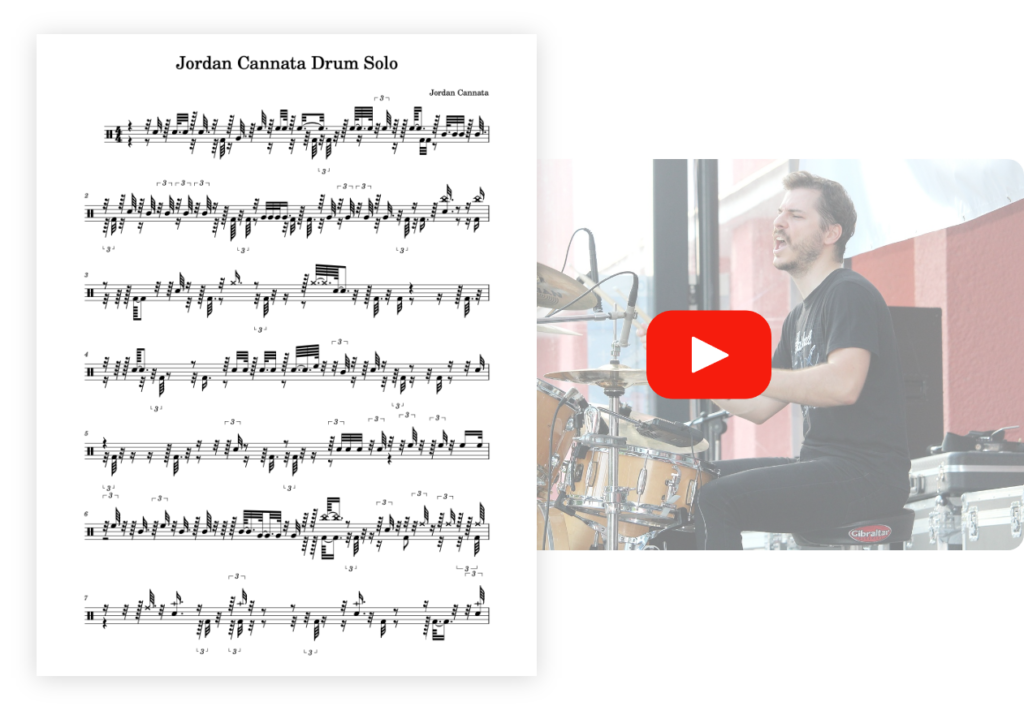
Transcribe your drum tracks into sheet music with unrivalled precision.


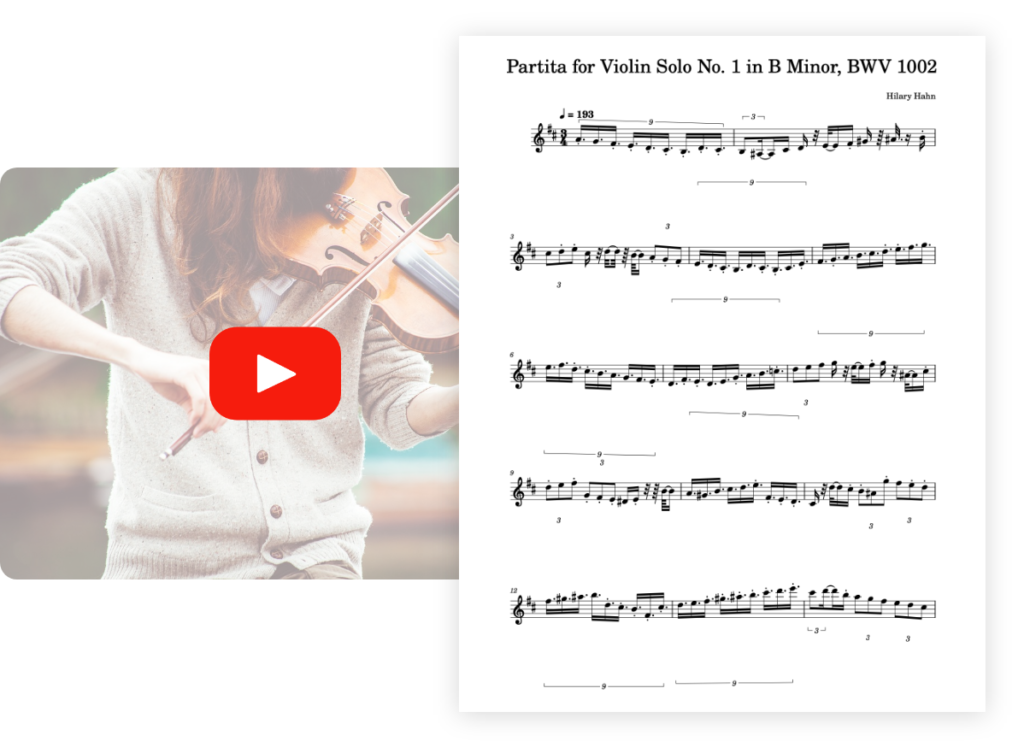
Ideal for: solo violin


Transcribe your violin pieces into sheet music with unrivalled precision.


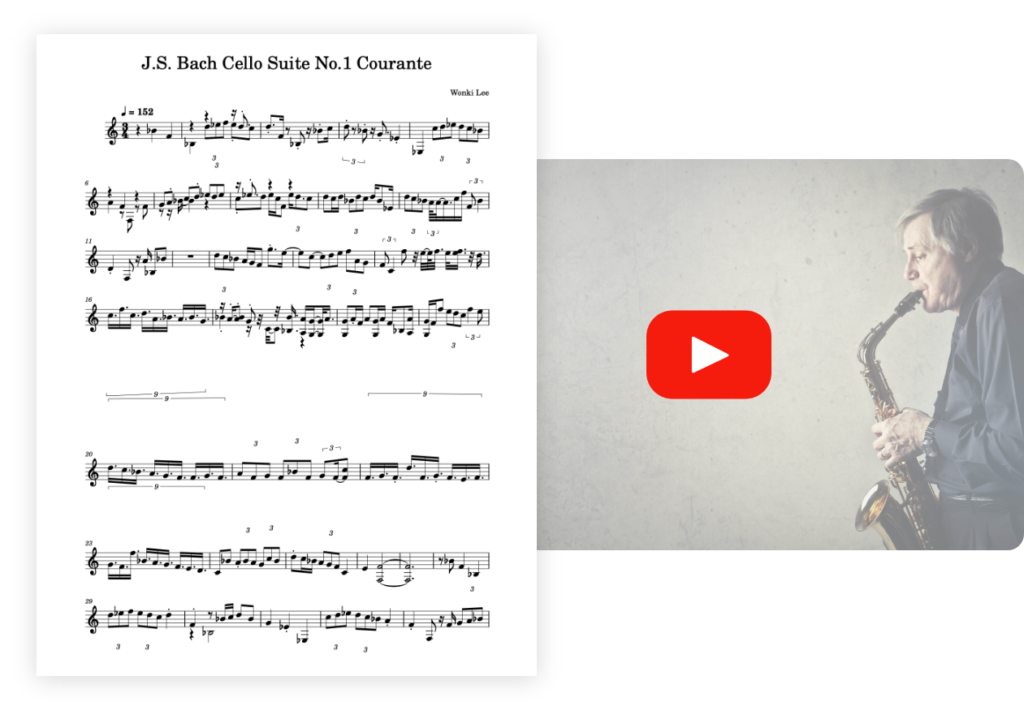
Optimized for: solo saxophone 🎷


Transcribe your saxophone pieces into sheet music with unrivaled precision.


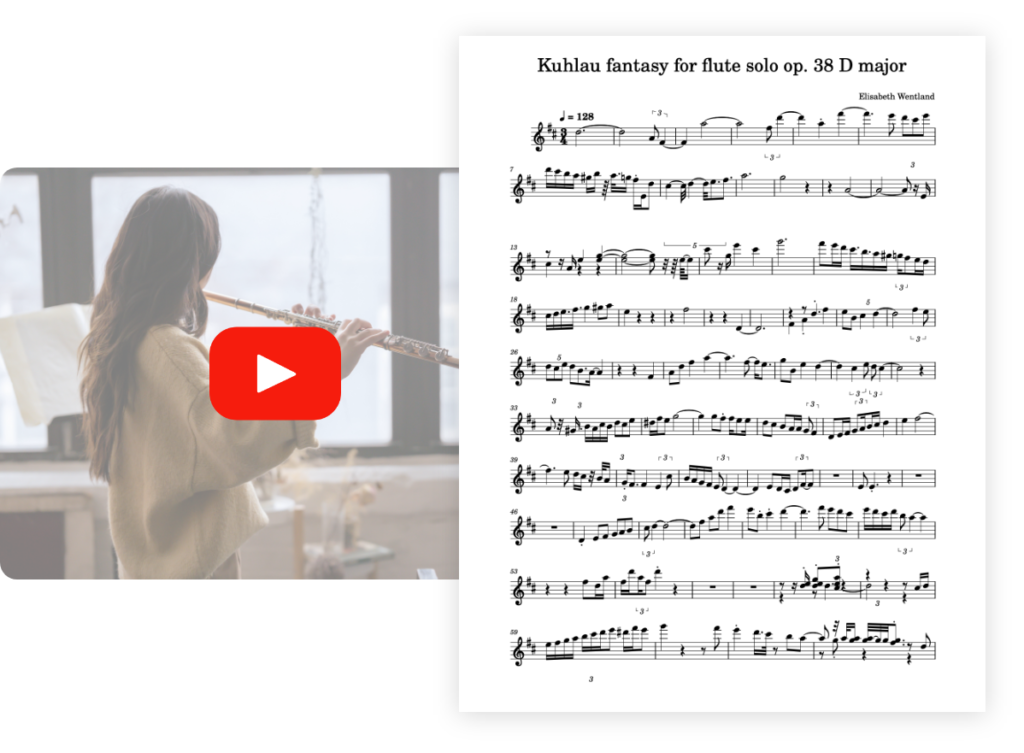
Optimized for : solo flute 🪈


Transcribe your flute pieces into sheet music with unrivaled precision.


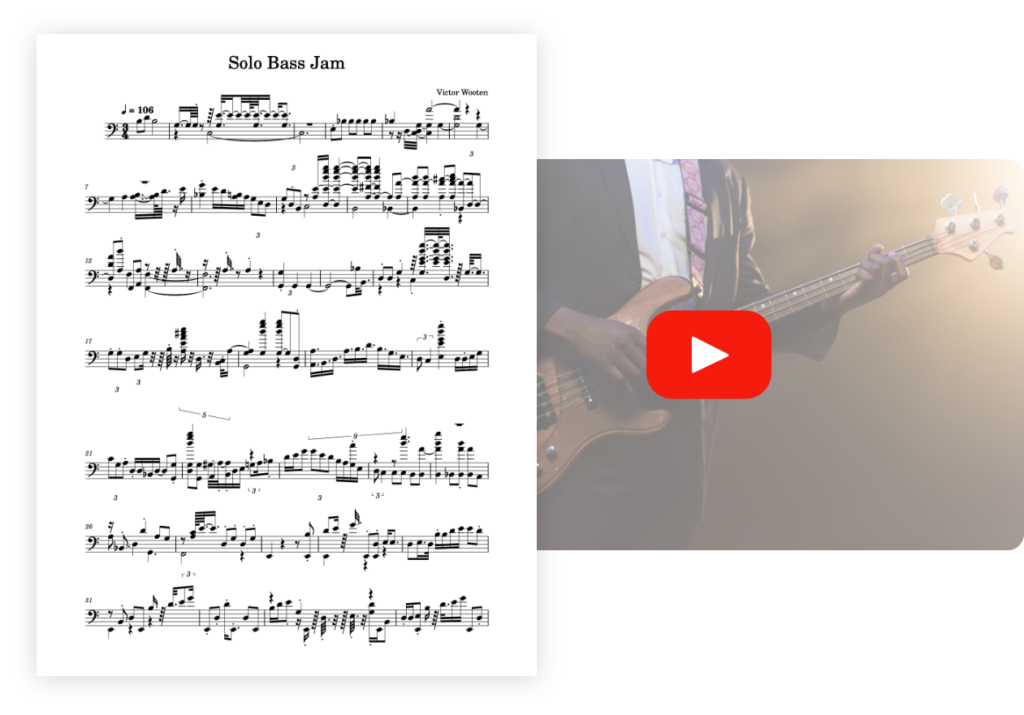
Optimized for : solo bass 🪕


Transcribe your bass pieces into sheet music with unrivaled precision.


PianoGo lets you learn to play over 3,000 songs easily on the piano.


Discover more useful tools