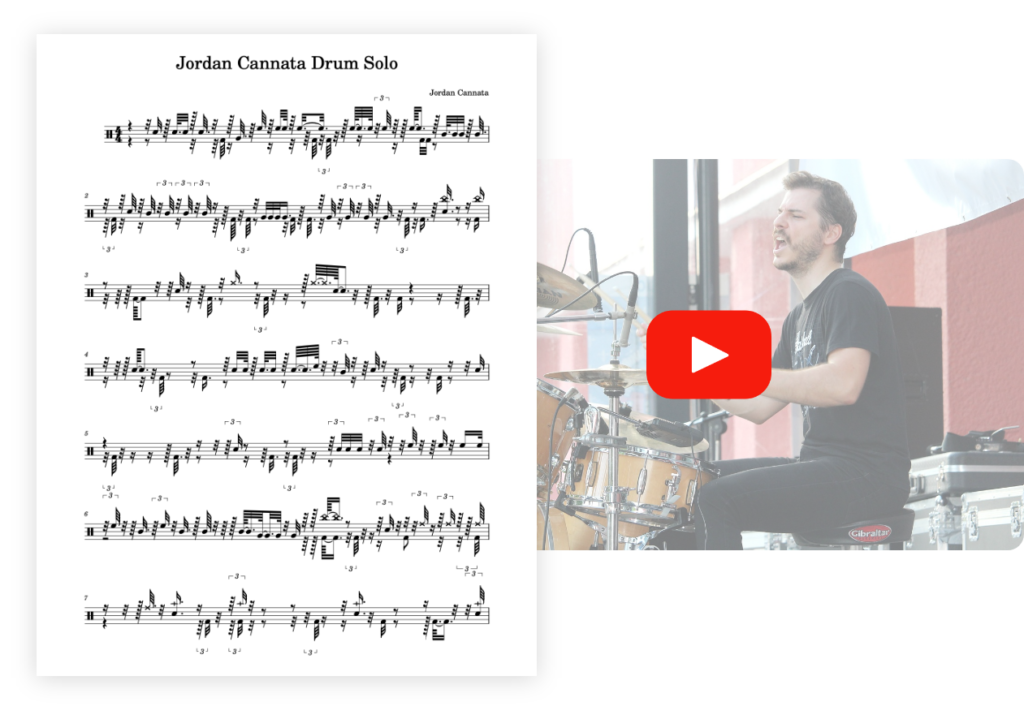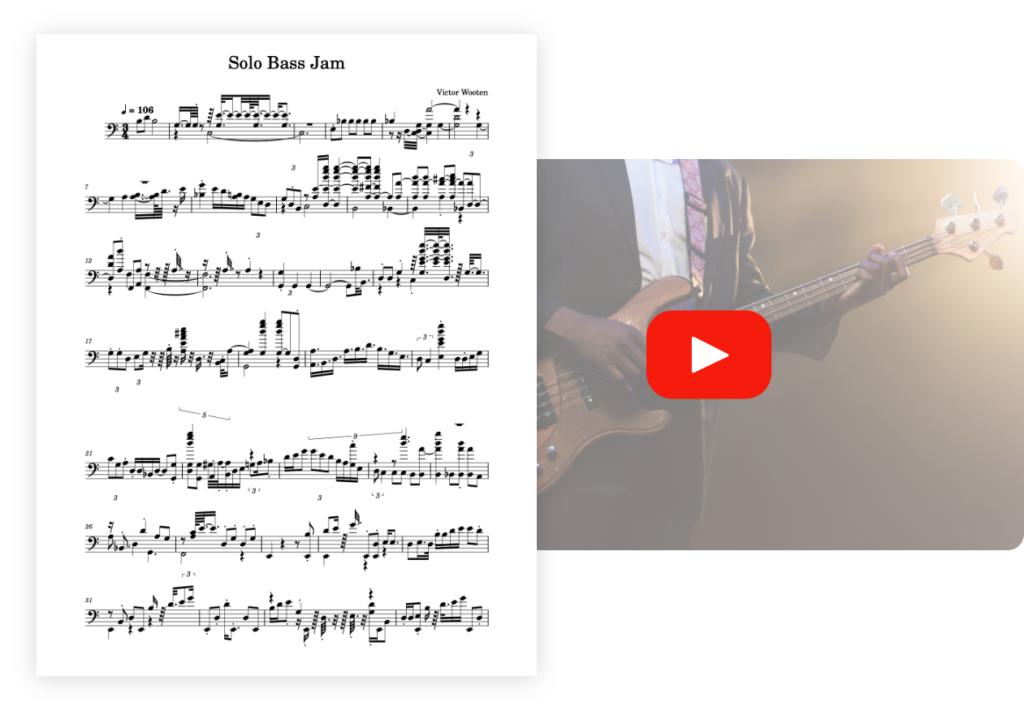

Desktop plugin · VST3 · Audio Unit · Standalone
Drop a file, paste a YouTube link or capture a track directly: the MIDI comes back into your project within minutes. Nothing to export, nothing to re-import.
Free · Installed in one go: VST3, Audio Unit and standalone app
The plugin fetches the audio where it already lives: in a file, on YouTube, or on the track you are listening to.


Your MIDI in 4 steps, without ever leaving your session.
Download the macOS or Windows installer. VST3, Audio Unit and the standalone app are placed where they belong; your DAW finds them on the next scan.
Drag an audio file into the window, paste a YouTube link, or arm the capture and hit play to record the track in real time.
Choose the instrument your MIDI should play, listen to the free 30-second preview, then run the full transcription.
Drag the result block straight onto a track in your project. Or download it as MIDI, MusicXML, PDF or GP5.
Everything you need to turn a take into usable MIDI, without breaking your workflow.

Drag the result from the plugin window onto a track in your project. No intermediate files to organize.

The plugin records the audio passing through the track during playback, up to 10 minutes.

30 seconds transcribed for free, to hear and see, before you commit a single credit.

The MIDI plays inside the plugin, piano roll and transport included. You judge the result without importing it.

Quantized or raw MIDI, MusicXML, PDF and GP5, downloadable from the window.

Your credits and subscription are the same as on the website. One-click browser sign-in, Google included.
Pick the instrument before you start: the transcription engine changes with it. Which instruments you get depends on your plan.
 Piano
 Guitar
 Bass
 Drums
 Vocals
 Violin
 Saxophone
 Flute
 Trumpet
 Organ
 Full band
VST3 and Audio Unit on macOS, VST3 on Windows, plus a standalone app if you would rather work outside a DAW.
This list is not exhaustive: any VST3 or Audio Unit host will do.
The MIDI, MusicXML and PDF the plugin produces open as-is in the notation software and DAWs you already use.
 MuseScore
 Dorico
 Sibelius
 Finale
 Cubase
 Logic Pro
Transcription is already available on the website. With the plugin, it comes to where you work.

No export, no round trip to the browser, no file to track down. The plugin lives inside your project.

Each instrument has its own dedicated transcription model, trained for it, not a one-size-fits-all model.

The free preview shows and plays the first 30 seconds. You decide after that.

macOS installer signed with a Developer ID and notarized by Apple. Windows installer signed in the name of La Touche Musicale.
Free. A La Touche Musicale account is all you need to run your first transcription.
A transcription runs on our servers: an internet connection is required during processing. The rest of the time, the plugin uses no resources.
Get cutting-edge transcription for every kind of instrument through our ecosystem of innovative apps.
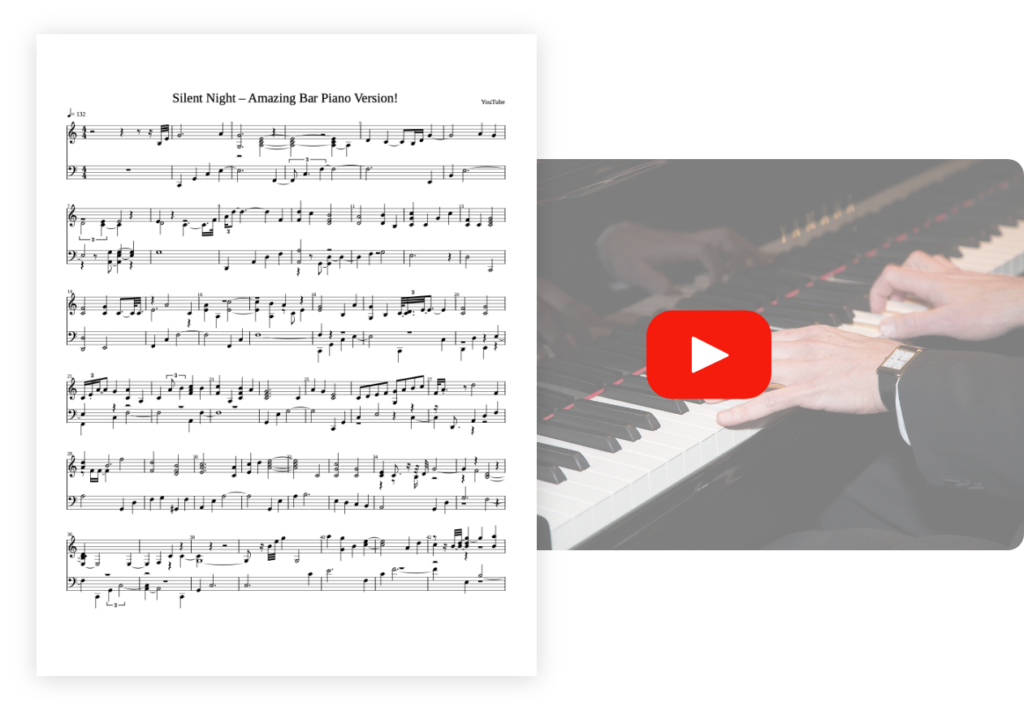
Best for: solo piano

Transcribe your piano tracks into sheet music with unrivaled accuracy.
Best for: solo guitar

Transcribe your guitar tracks into guitar tabs with unrivaled accuracy.

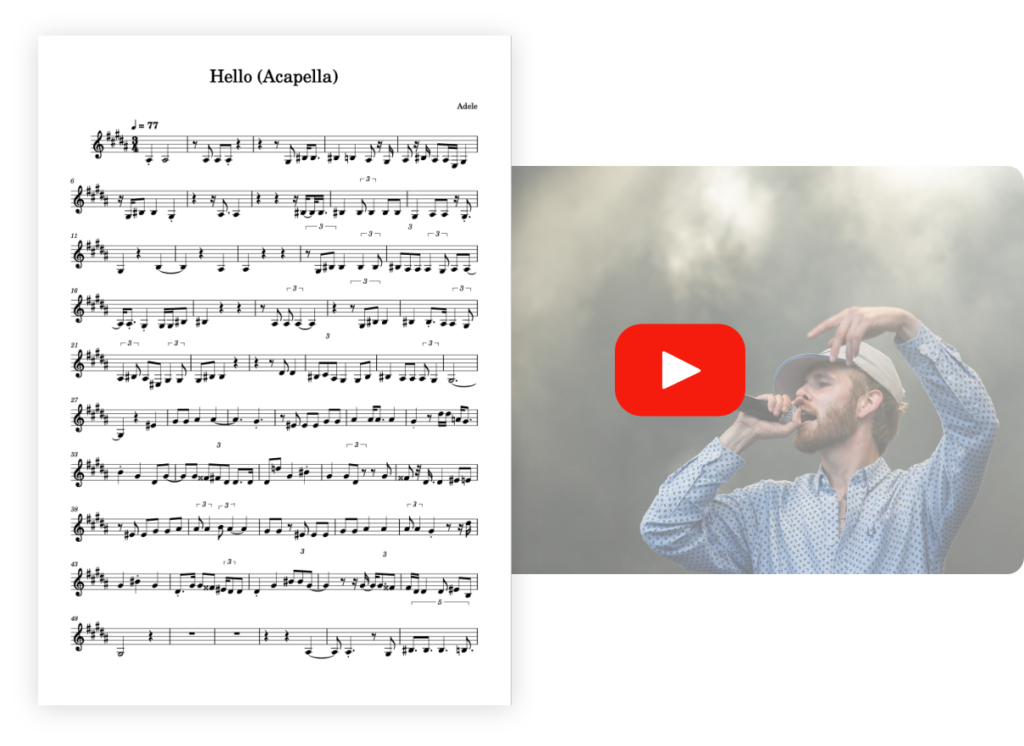
Best for: solo vocals

Transcribe your vocal recordings into sheet music with unrivaled accuracy.
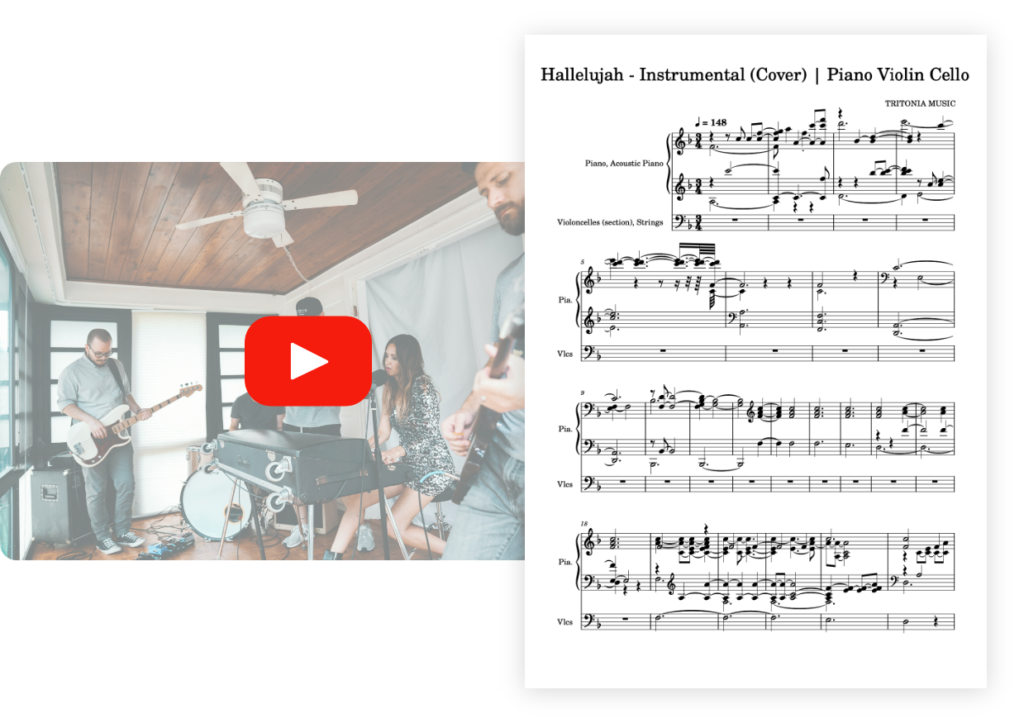
Best for: multi-instrument

Transcribe your multi-instrument tracks into sheet music with unrivaled accuracy.
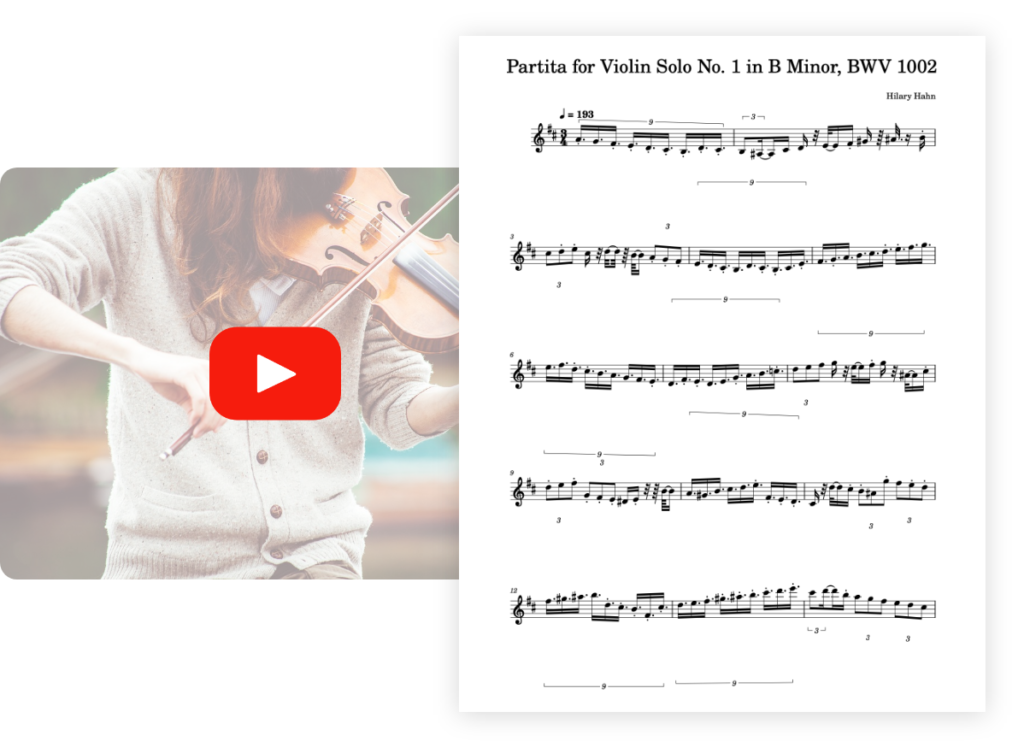
Best for: solo violin

Transcribe your violin tracks into sheet music with unrivaled accuracy.
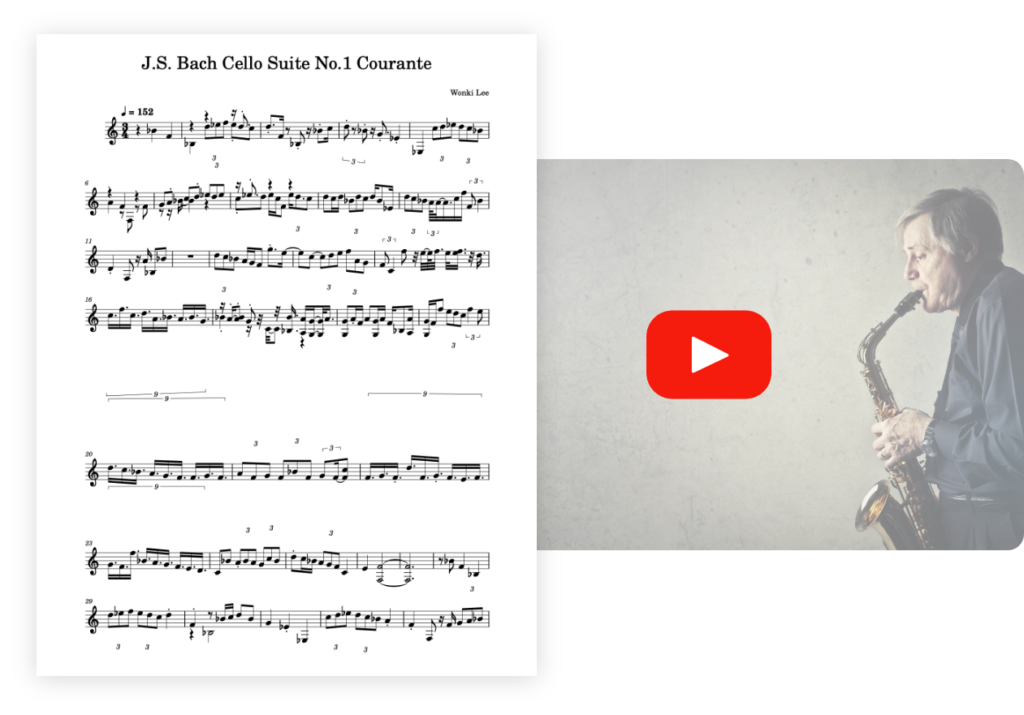
Best for: solo saxophone

Transcribe your saxophone tracks into sheet music with unrivaled accuracy.
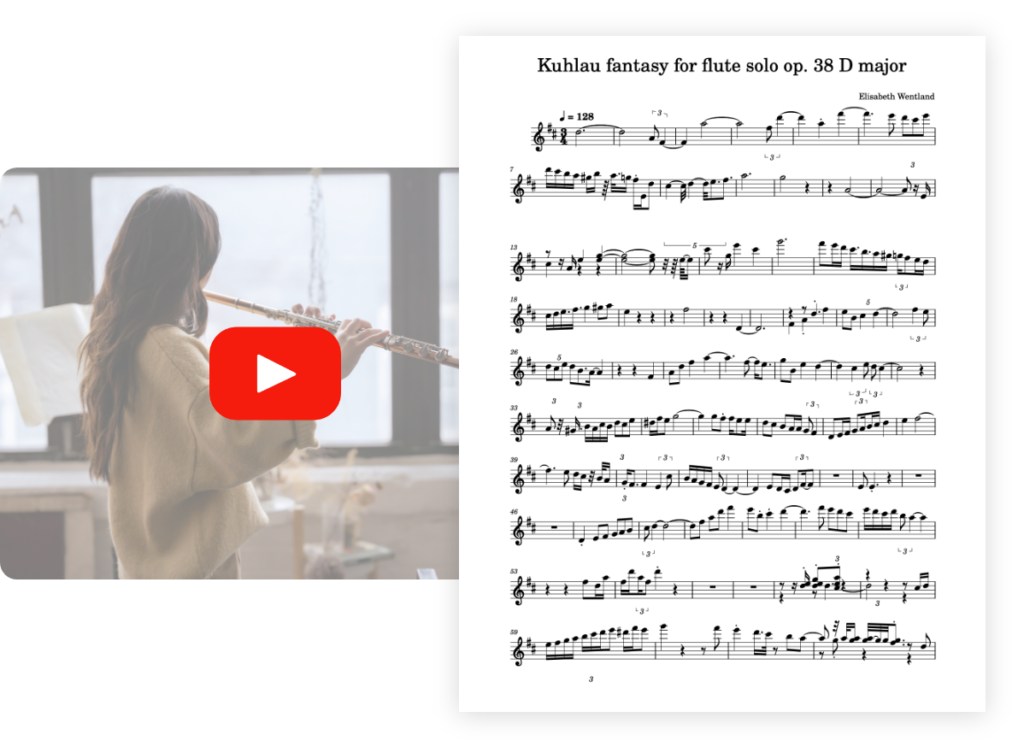
Best for: solo flute

Transcribe your flute tracks into sheet music with unrivaled accuracy.
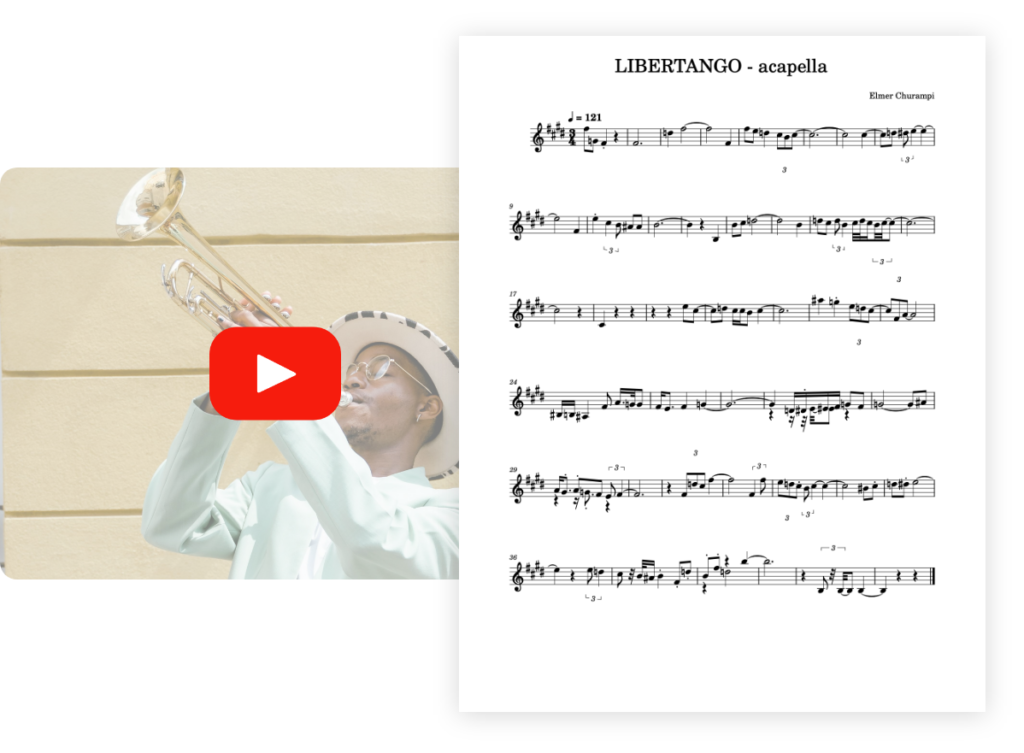
Best for: solo trumpet

Transcribe your trumpet tracks into sheet music with unrivaled accuracy.
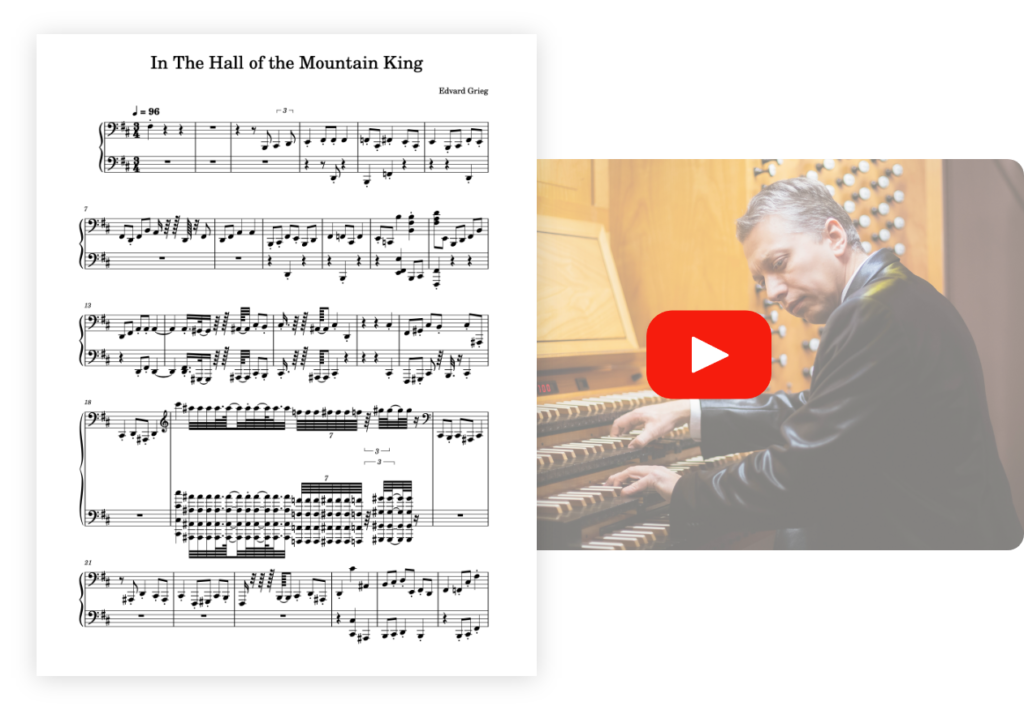
Best for: solo organ

Transcribe your organ tracks into sheet music with unrivaled accuracy.
Best for: sheet music

Transcribe your PDF and image scores into MIDI and MusicXML with unrivaled accuracy.

Best for: DAWs
Transcribe your tracks straight into your DAW with our transcription plugin.

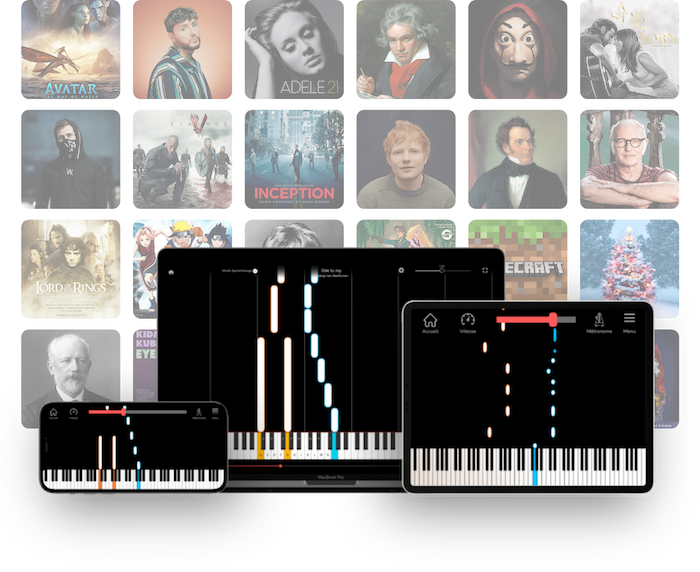
PianoGo lets you learn to play more than 3,000 songs on the piano with ease.
It’s a plugin that converts audio to MIDI right inside your music software. Give it a file, a YouTube link or the sound of a track, and it gives you back a MIDI file that you drag onto a track in your project. It installs as VST3, Audio Unit and a standalone app, on macOS and Windows.
On macOS: VST3, Audio Unit and standalone app, macOS 10.15 or later, on both Intel and Apple Silicon Macs. On Windows 10 and 11: VST3 and standalone app.
Any host that accepts VST3 or Audio Unit will do: Logic Pro, Ableton Live, Cubase, Nuendo, FL Studio, Studio One, Reaper, Bitwig Studio or GarageBand. Pro Tools only accepts the AAX format and is therefore not covered for now — the standalone app works alongside it, whatever your DAW.
Yes, the same account as on latouchemusicale.com. Click “Sign in with browser”: a page opens, you sign in, and the plugin takes over — it’s also the only way to sign in with Google. An email and password form is still available.
Yes. The macOS installer is signed with a Developer ID certificate and notarized by Apple: Gatekeeper accepts it with no special steps. The Windows installer is signed in the name of La Touche Musicale.
The preview transcribes the first 30 seconds for free: you see the result in the piano roll and hear it before deciding. The full transcription processes the whole track and uses one conversion from your plan.
Once the transcription is done, drag the result block from the plugin window onto a track in your project. You can also download it as quantized MIDI, raw MIDI, MusicXML, PDF or GP5.
Piano, guitar, bass, drums, vocals, violin, saxophone, flute, trumpet, organ and full band. You choose the instrument before you start; the ones your plan does not cover show a padlock.
A few minutes for a track of ordinary length. The computation runs on our servers: you can carry on working in your session in the meantime.
The plugin records whatever goes through the track during playback, up to 10 minutes, at your project’s quality. Silence at the start is skipped automatically.
Not for transcribing: the computation runs on our servers, so a connection is required while it works. The rest of the time, the plugin stays loaded in your project without using any resources.
Your account menu inside the plugin offers “Export logs”: it produces an archive containing the log and a technical report (version, host, system, audio settings). No credentials, no email address and none of your audio file paths appear in it.
Install the plugin, open your project, drop in some audio. The MIDI comes back on its own.